Maren climbs the spiral stair, her lantern trembling with
each step. Salt wind rattles the glass above.
MAREN
(whispering)
There's someone up there.
Wide shot · slow push-in
Scene 12 · Beat 3
Wide shotSlow push-inMoonlit0:08
Maren · V.O.
Scene 01 · Before The Story
A workshop for ideas that aren't a story yet
Start here when you don't have a finished script — or anything
finished at all. The Workshop gives you both surfaces: a page
to write on, in prose or in proper script format, and an endless
canvas to think on.
The Keeper's Light — notes
Write Canvas
Saved
Outline
INT. LIGHTHOUSE — SPIRAL STAIR — NIGHT
EXT. CLIFF PATH — DAWN
INT. KEEPER'S ROOM — NIGHT
Action Rewrite≈ 2 pages · ~2 min
Novel Script
INT. LIGHTHOUSE — SPIRAL STAIR — NIGHT
Maren climbs the spiral stair, her lantern trembling with each step. Salt wind rattles the glass above.
Three ways to say it
1Maren takes the stairs two at a time, lantern first.
2Maren climbs. The lantern shakes; above her, the glass answers the wind.
3Salt wind works at the glass overhead. Maren keeps climbing.
↑↓ preview↵ keep 3 more
MAREN
(whispering)
There's someone up there.
The Keeper's Light — notes
Write Canvas
Saved
Lighthouse — act one Play groupAnalog film · Wide
TextOpening beat
What if the light never went out —
and that was the problem? Maren
stops counting the turns after the
ninth.
v3 of 3 Generate
Theme · strings0:24
ImageMaren — cliff walk
3 versions
Maren · whisper
"There's someone up there."
Push-in test
0:05
A real script editor
Scene headings, cues and dialogue take their proper margins
as you type, with a live page count and an outline of every
scene. Prose and screenplay drafts live side by side in one
workshop — and any line can be rewritten three ways without
touching the rest.
Thoughts that generate
Every card on the canvas is a live experiment — text, image,
video, voice, or soundtrack. Each keeps its versions, so you
can always go back to the version you liked.
Nothing gets lost
Group related cards, set the look and camera for the whole
group at once, and play it through. Everything you generate
lands in your library, ready for a story.
Four stages, in order. Each one hands the next a finished piece
of the film — and shows you the tool that does the work. You
make every creative call along the way.
01
Stage 01 · Story → scenes
Write
Paste a draft or talk it through. Your story
is broken into scenes with headings, beats
and dialogue — and you correct it in the
same conversation. Nothing is restructured
behind your back.
Chat-driven creationScene breakdown
Here's my draft. Act one ends at the lighthouse — Maren hears something upstairs.
Split act one into 4 scenes. Scene 12 opens on the stair with a slow push-in. Raise the tension in her dialogue?
Yes — but keep her whisper.
11EXT. CLIFF PATH — DUSK
Maren walks up alone. The light is already on.
12INT. LIGHTHOUSE — SPIRAL STAIR — NIGHT
A sound above. She climbs anyway.
13INT. KEEPER'S ROOM — NIGHT
The logbook is open to tomorrow's date.
12 scenes, structured
02
Stage 02 · Scenes → a cast and a camera
Design
Decide once who your characters are and
where the story happens — their canonical
reference images are reused everywhere, so
Maren looks like Maren in every frame.
Then direct each shot: framing, angle,
composition, camera motion, focus.
Character & location design 40 direction controls
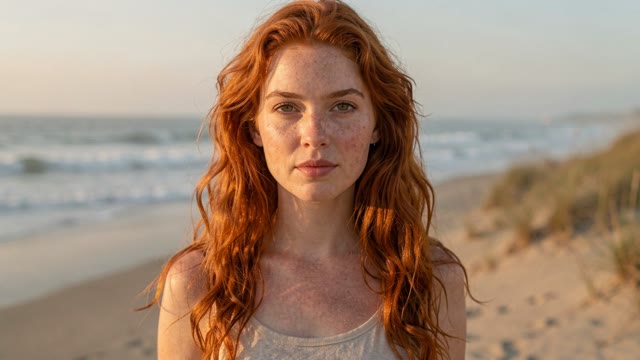
Maren
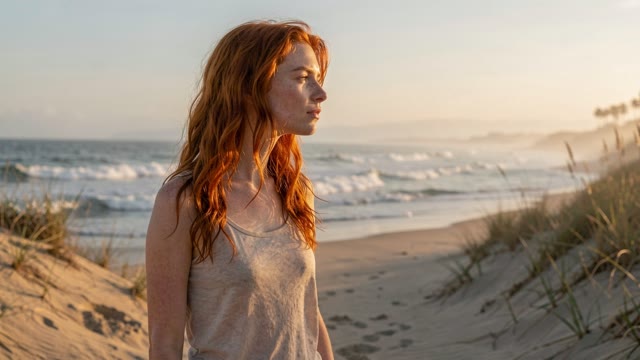
Close-up
Maren
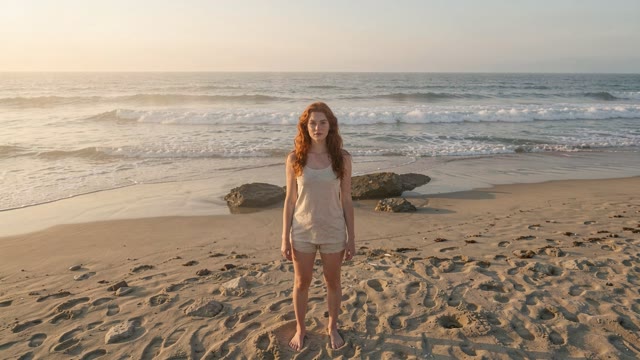
Full body
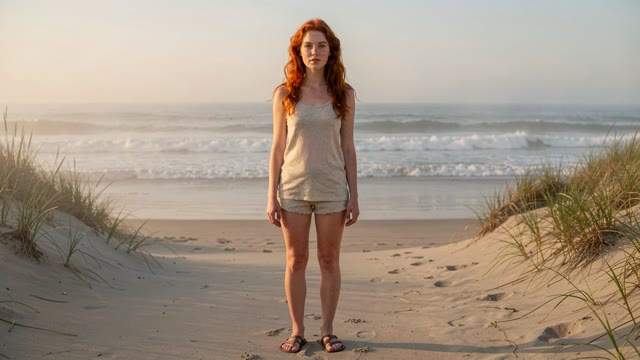
Maren
Wide
Framing
Wide shotClose-up
Angle
Low angleOverhead
Motion
Slow push-inHandheld
Focus
Rack focusShallow
Cast, locations and shot list locked
03
Stage 03 · Direction → frames and video
Generate
Each scene becomes a storyboard frame,
then a moving shot. Regenerate any beat
without disturbing the rest — every
version is kept. Run it on your own GPU
or on ours, per task.
13 render modes Local or cloud
Scene 11
Maren walks the cliff path alone.
The light is already on.
Wide · slow push-in
Storyboard
0:05
Shot
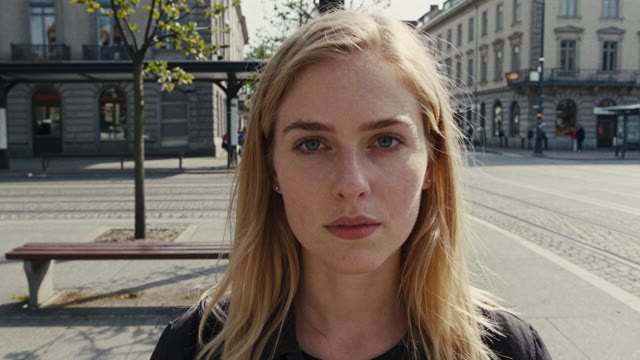
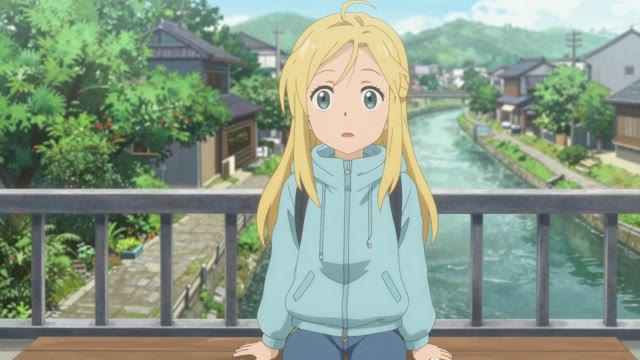
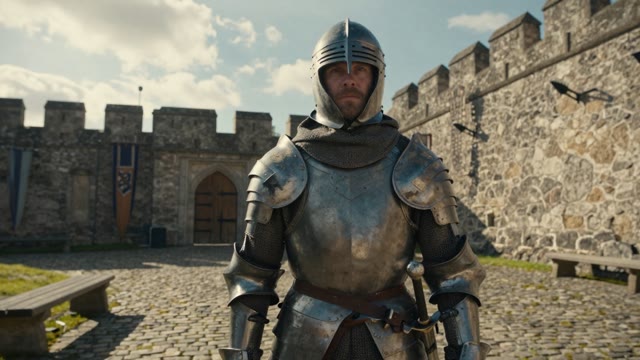
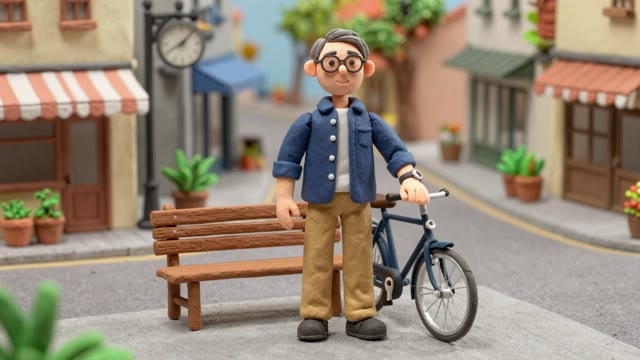
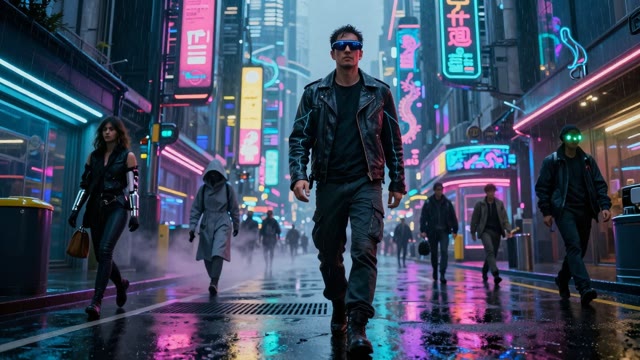
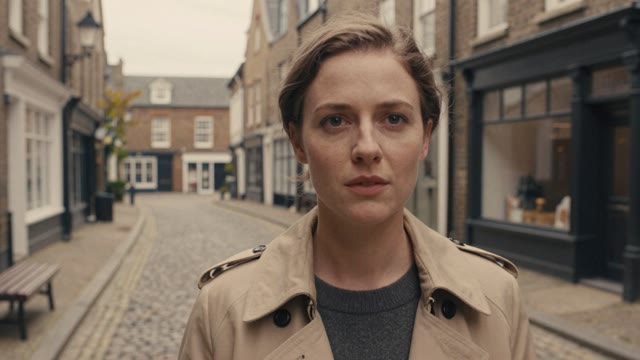
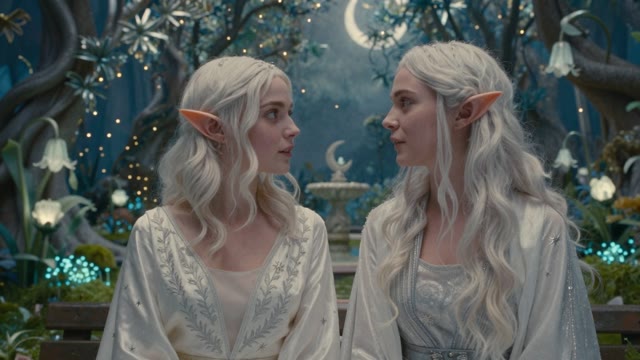
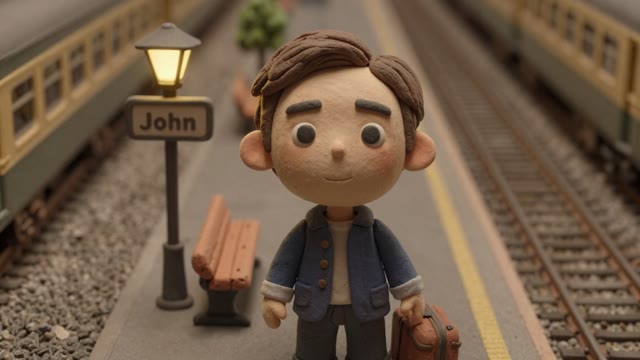
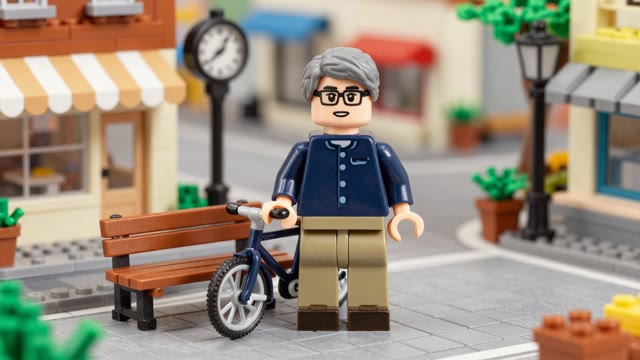
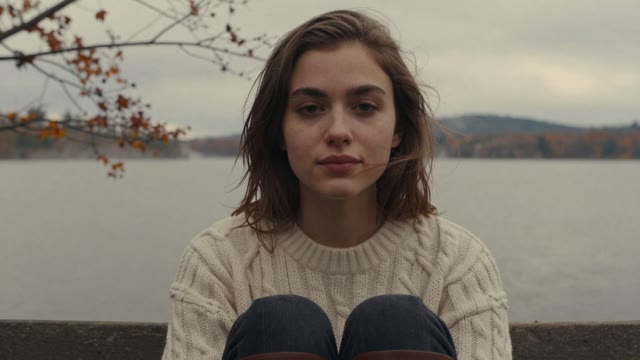
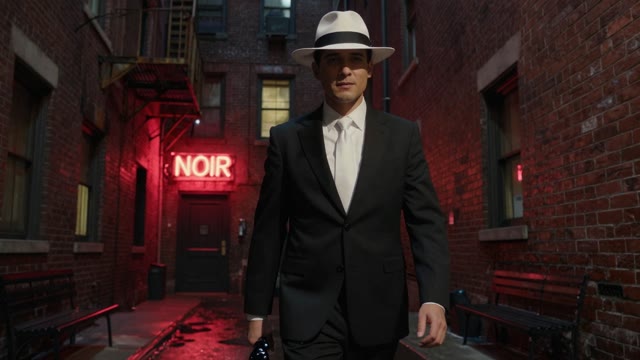
One scene, thirteen looks. Photorealistic, anime, stop motion, comic,
analog film — switch the look, keep the film.
Give each character a voice with real
emotion, score the scene, and cut it
together in the timeline. Trim, reorder,
swap a beat — then export the finished film.
Voice acting Soundtrack Timeline editor
00:42 / 03:18
Export
0:000:301:001:302:002:303:00
12A · Wide
12B · Medium
12C · Insert
13A · Full
Maren · whisper
Theme · strings
Scene 03 · Your Hardware
Your GPU, our cloud, or both
Run models locally on your hardware for free, use cloud for the
heavy stuff, or mix and match per task. You choose for each step
independently.
Model configuration
Writing
Qwen 3.5 4B
Your GPUFree
Writing Your GPU
Qwen 3.5 4BFree
Image generation
FLUX.2 Klein 9B
Your GPUFree
Image generation Your GPU
FLUX.2 Klein 9BFree
Video generation
Seedance V1.5 Pro
CloudCredits
Video generation Cloud
Seedance V1.5 ProCredits
Switch any task between local and cloud at any time in
settings
Bring your GPU
Run open-source models locally. No usage costs, full
privacy. Works with consumer GPUs.
Best cloud models
Access top-tier models like Seedance for video without
owning expensive hardware. Pay per generation.
Mix per task
Use local for writing and images, cloud for video.
Change the mix any time, per task, no lock-in.
Scene 04 · Pricing
Find your creative pace
Every plan includes image, video, audio, and writing tools. Upgrade for more workshops, storage, and generations at once.
Top up from $5 to $100
That buys 500–10,000 credits. Preview image, video, and audio costs before you generate. The final credit cost reflects actual usage.
Loading plans…
Paid plans are billed monthly. Generation credits are purchased separately.
Scene 05 · About
Why we built this
Short films used to take a crew, gear, and a budget. Visionry
puts the whole pipeline — script, storyboards, video, voices,
music — into one tool, so a story and a computer are enough.
The AI does the production work; the creative decisions stay
yours.
Creativity first
The AI serves your vision, not the other way around. Every tool is designed to amplify human creativity — to help you tell the story only you can tell.
Cinematic quality
Real filmmaking craft, not quick clips. Shot composition, camera movement, visual style, sound design — the same creative vocabulary used on actual film sets.
Accessible to all
Studio-grade filmmaking tools without the studio. Whether you're a novelist, a game designer, a teacher, or someone with a story to share — this is for you.
Scene 06 · Q&A
Questions & answers
Scene 07 · The Journal
From the journal
Stories, insights, and updates from the Visionry team.
Coming Soon
The Art of AI Cinematography
How traditional filmmaking principles guide our approach to AI-generated video.
Coming Soon
Building Characters That Last
Creating a visual identity for characters that stays consistent across scenes and stories.
Coming Soon
From Script to Screen
A walkthrough of the complete story-to-video workflow, from first prompt to final export.
Fade in:
Every film begins with a first scene.
Write yours tonight — no crew, no budget, no experience required.